
Sending SMS is a pretty common way to notify users about some action – like, transaction finished successfully, invoice ready etc. And Twilio is almost a market standard to do that easily. And there are at least two packages for Laravel to make it even easier.
Preparation: Trial Twilio Account
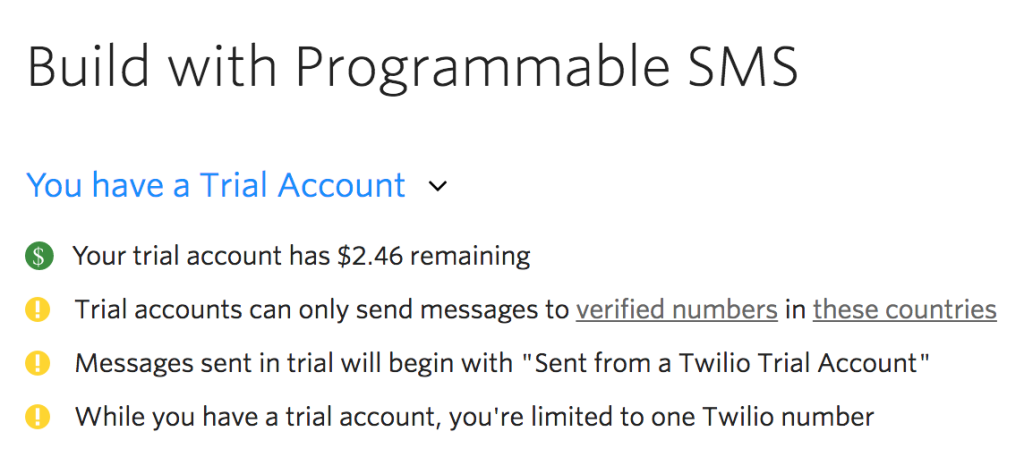
Before you can send any SMS, you need to register at Twilio, and choose your “from” phone number. Twilio gives some credits for your trial account – in my case, it was $2.50, with price of SMS is $0.04 (that depends on the country), it equals to 62 trial SMS messages. Enough to get started.
Package 1. Aloha Twilio: send SMS whenever you want
If you want to just send SMS to any number, then the best package is aloha/laravel-twilio. It uses Twilio API in a Laravel-friendly way, so all you need to send SMS is this:
1. Run this command to install the package:
composer require aloha/twilio
Notice: if you run Laravel 5.4 or lower, there is some additional magic to be done in config/app.php.
2. Add this code whenever you want to send SMS:
$account_id = 'XXXXXXXXXX';
$auth_token = 'YYYYYYYYYY';
$from_phone_number="+37066802637"; // phone number you've chosen from Twilio
$twilio = new Twilio($account_id, $auth_token, $from_phone_number);

$to_phone_number="+37062218617"; // who are you sending to?
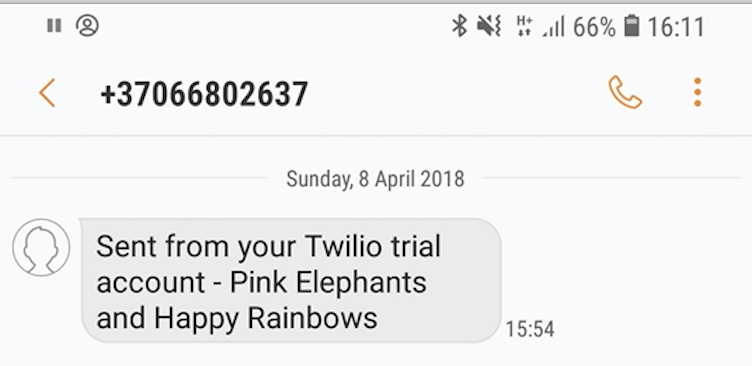
$twilio->message($to_phone_number, 'Pink Elephants and Happy Rainbows');
This is how result looked on my mobile:
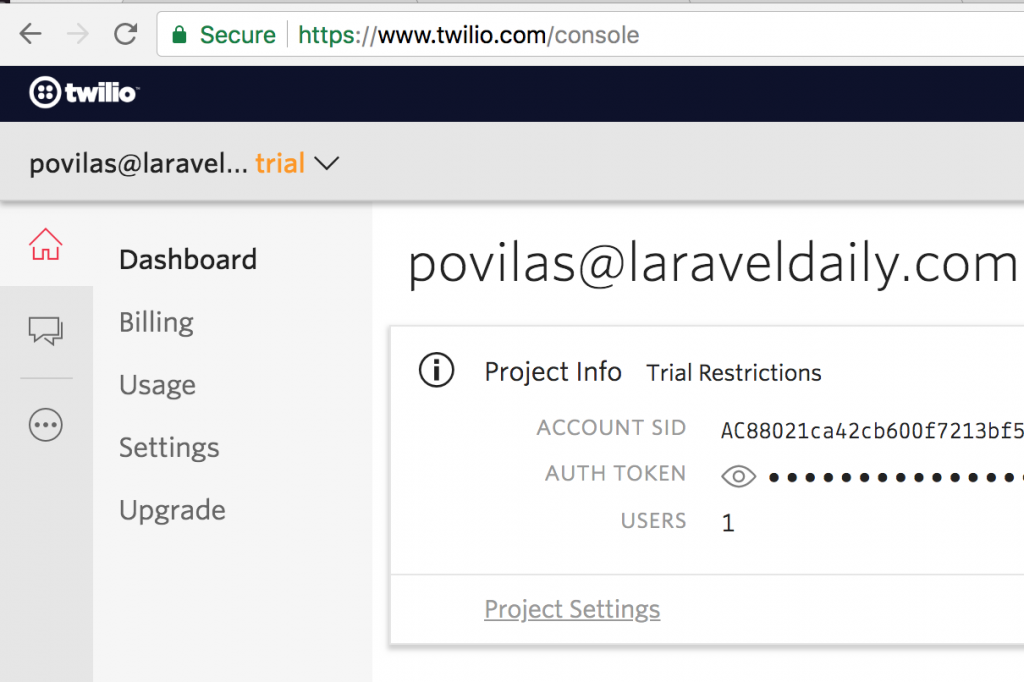
By the way, your account credentials can be found on your Twilio Console main page:
Of course, this package is not only for SMS sending, as Twilio is offering more services like phone calls and others:
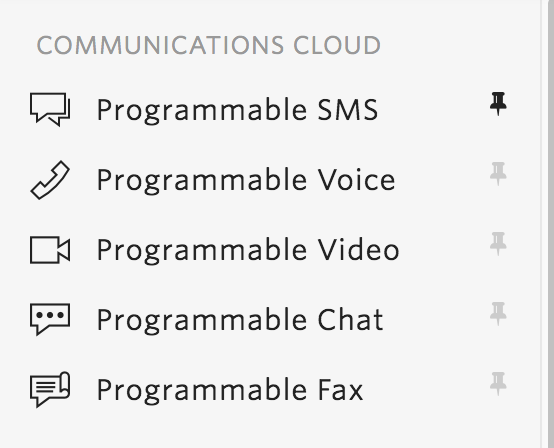
So check out other functions, if you with to use them.
Package 2. Send SMS as User Notifications
Laravel has a function called Notifications – it allows to notify users via different channels: email, Slack messages, and also SMS via Twilio. There’s even a separate website and collection of packages for various notification channels.
So let’s explore the one for Twilio: a package called – surprise, surprise – laravel-notification-channels/twilio.
Installation is simple:
composer require laravel-notification-channels/twilio
Next, you need to add your credentials to the file config/services.php:
'twilio' => [
    'username' => env('TWILIO_USERNAME'), // optional when using auth token
    'password' => env('TWILIO_PASSWORD'), // optional when using auth token
    'auth_token' => env('TWILIO_AUTH_TOKEN'), // optional when using username and password
    'account_sid' => env('TWILIO_ACCOUNT_SID'),
    'from' => env('TWILIO_FROM'), // optional
],
To send notification to a user, we need to add a phone_number field to users table – field with exact that name, that’s what the package will be looking for:
Schema::table('users', function (Blueprint $table) {
    $table->string('phone_number')->nullable();
});
Now, let’s create a Laravel notification:
php artisan make:notification AccountApproved
And fill the class with Twilio-related things:
// ...
use NotificationChannels\Twilio\TwilioChannel;
use NotificationChannels\Twilio\TwilioSmsMessage;

class AccountApproved extends Notification
{
    // ...

    public function via($notifiable)
    {
        return [TwilioChannel::class];
    }

    public function toTwilio($notifiable)
    {
        return (new TwilioSmsMessage())
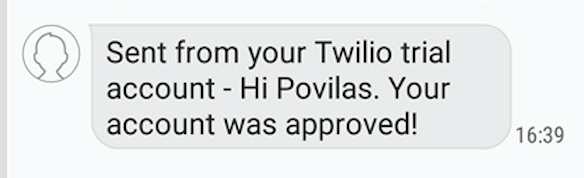
            ->content("Hi {$notifiable->name}. Your account was approved!");
    }
}
Finally, let’s launch notification from Controller (or anywhere you want):
$user = User::find(1);
$user->notify(new AccountApproved());
And here’s what I’ve got to my phone!
So that’s it – that’s how you use Laravel and its notifications function with Twilio.
Any more related tools you know? Please add them in the comments.
Cloud Software
Berita Olahraga
Lowongan Kerja
Berita Terkini
Berita Terbaru
Berita Teknologi
Seputar Teknologi
Berita Politik
Resep Masakan
Pendidikan
Berita Olahraga
Berita Olahraga


