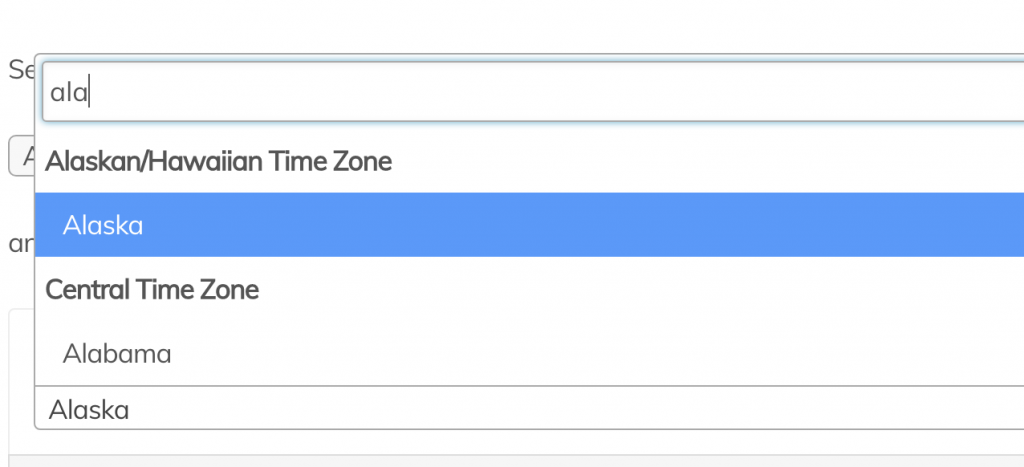

In our QuickAdminPanel, we generate the dropdowns with Select2 jQuery library, which gives search capabilities.
But what if you have 1,000+ or more entries in that dropdown?
It could potentially even crash your browser when loading.
A better way then is to load the select options only when user starts searching for them, and dropdown would auto-complete the values. That’s exactly what we will build in this article.
Default jQuery code to transform regular select into Select2 is this:
$(document).ready(function() {
    $('.select2-dropdown').select2();
});
Then it would be applied to any tag with select class=”select2-dropdown”.
Now, to load options via AJAX, we need to do two things:
- Add some parameters to .select2() call, including URL for AJAX source;
- Create API endpoint that would be called via that AJAX, to return options data;
Example project
Let’s take an example project – database of offices, where each office is located in some city.
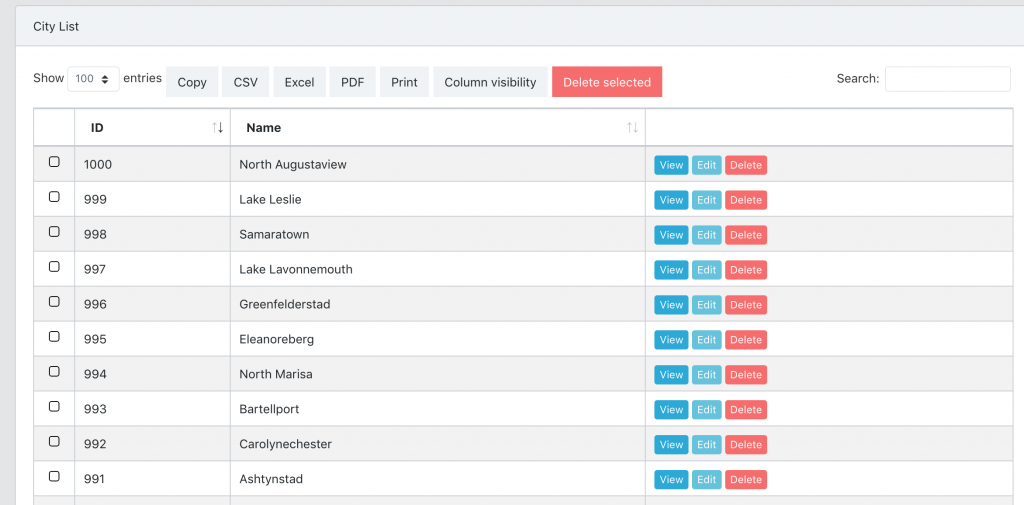
And we have 1,000 cities in our database:
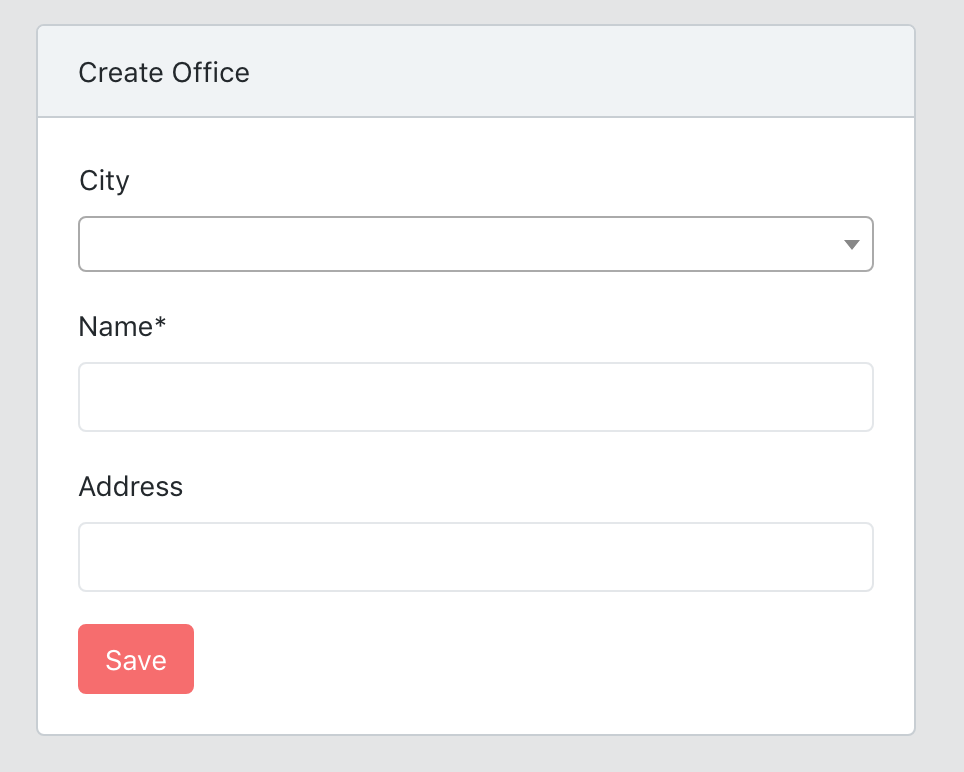
Now, in the form to create an office, we have a dropdown for cities:
Here’s the HTML code for that dropdown:
<select name="city_id" id="city" class="form-control select2"></select>
And jQuery code:
$(document).ready(function () {
  $('#city').select2();
})
Now, let’s take Select2 AJAX Example and adapt it to our scenario, updated jQuery code would be this:
$(document).ready(function() {
    $('#city').select2({
        minimumInputLength: 3,
        ajax: {
            url: '{{ route("api.cities.search") }}',
            dataType: 'json',
        },
    });
});
The most important for us is AJAX URL: route(‘api.cities.search’). Let’s create that in Laravel file routes/api.php:
Route::get('api/v1/cities/search', 'Api\V1\Admin\CitiesApiController@search')
    ->name('api.cities.search');
Here’s the code for CitiesApiController.php:
public function search(Request $request)
{
    $cities = City::where('name', 'LIKE', '%'.$request->input('term', '').'%')
        ->get(['id', 'name as text']);
    return ['results' => $cities];
}
As you can see, by default API request goes with ?term=xxxx, where xxxx is whatever you’ve inputted in the search box.
And results come as JSON-array “results”, with every result containint columns “id” and “text”, see this format:
{
  "results": [
    {
      "id": 1,
      "text": "New Vanfort"
    },
    {
      "id": 8,
      "text": "New Iva"
    },
    {
      "id": 14,
      "text": "New Traceychester"
    }
  ]
}
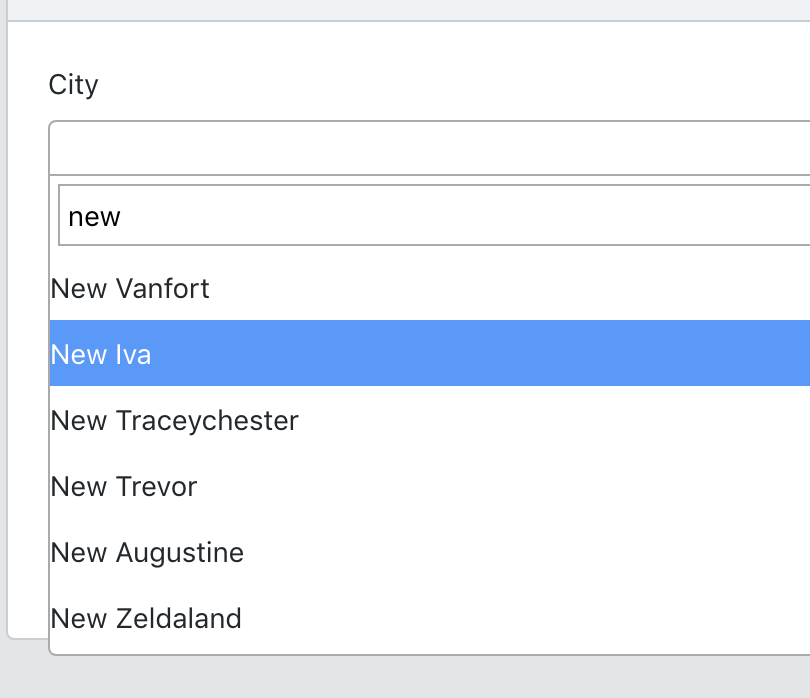
Visually, then, you can choose the result like this:
And that’s it, your browser is safe – dropdown values will be loaded only when someone is actually searching for them!
Cloud Software
Berita Olahraga
Lowongan Kerja
Berita Terkini
Berita Terbaru
Berita Teknologi
Seputar Teknologi
Berita Politik
Resep Masakan
Pendidikan
Berita Olahraga
Berita Olahraga


